
Native fixture screenshots at the labeled resolution. Mobile gameplay is landscape only. Browser emulation and these images do not establish physical Safari, Backbone, rumble or phone performance.
Open an image to inspect its original pixels. Clips keep their recorded speed; sound is absent unless the caption explicitly says otherwise.
Default-game native captures
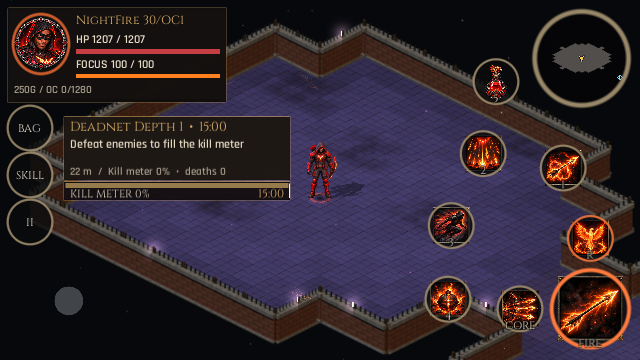
Landscape combat HUD / 640x360
Circular minimap, compact vitals and seven saved combat actions in the native touch layout. Native screenshot: 640x360.
C8 native Windows · source e08d40deaed7
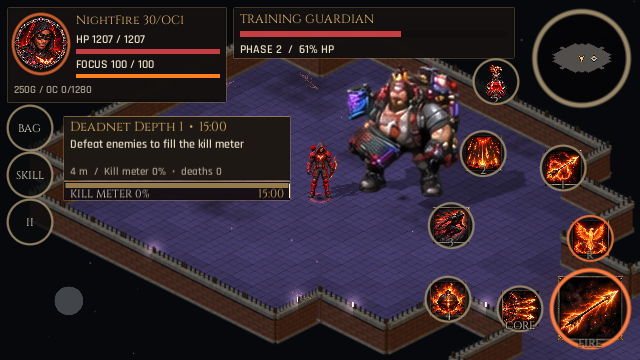
Target and combat visibility / 640x360
Player, selected target and combat controls in the native readability fixture. Native screenshot: 640x360.
C8 native Windows · source e08d40deaed7
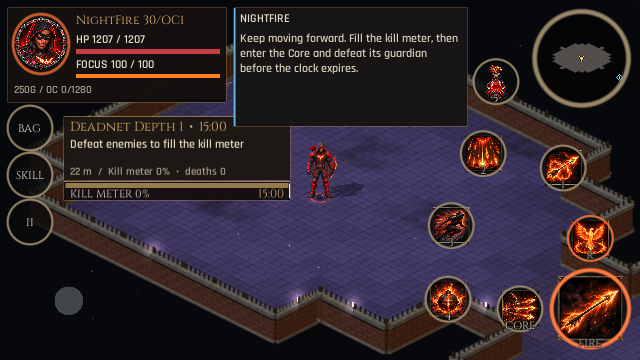
Communication during combat / 640x360
A short communication message is presented alongside the combat HUD. Native screenshot: 640x360.
C8 native Windows · source e08d40deaed7
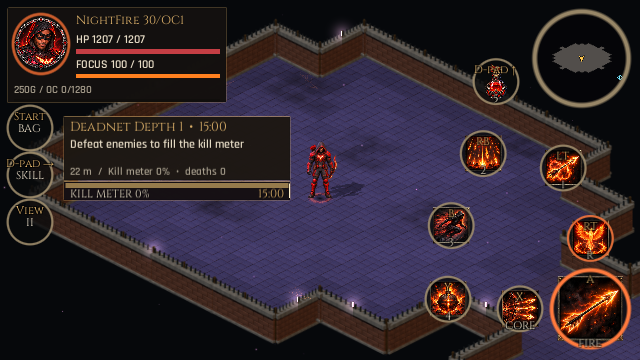
Controller and touch controls / 640x360
Mapped controller profile: the movement stick is hidden; all seven touch combat circles remain available with controller labels. Native screenshot: 640x360.
C8 native Windows · source e08d40deaed7
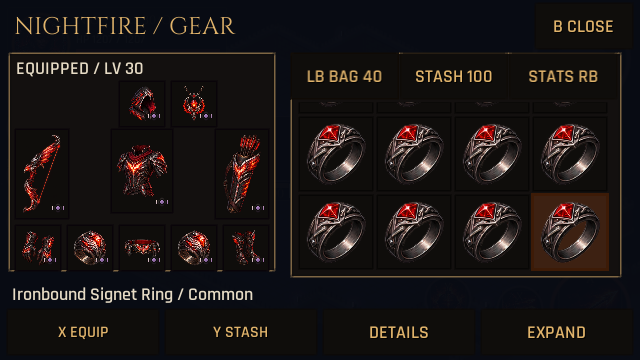
Inventory on mobile / 640x360
Native compact inventory with controller focus at this landscape resolution. Native screenshot: 640x360.
C8 native Windows · source e08d40deaed7
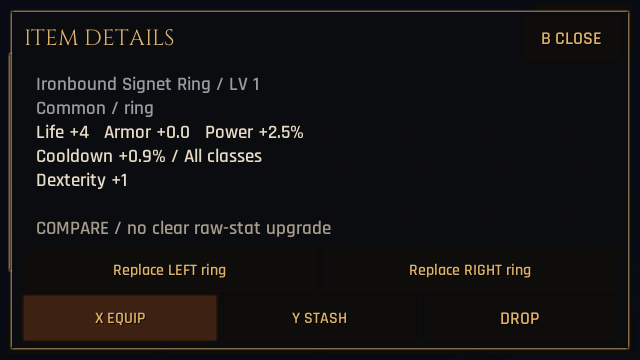
Equipment details / 640x360
Native equipment details and fixed menu actions at this landscape resolution. Native screenshot: 640x360.
C8 native Windows · source e08d40deaed7
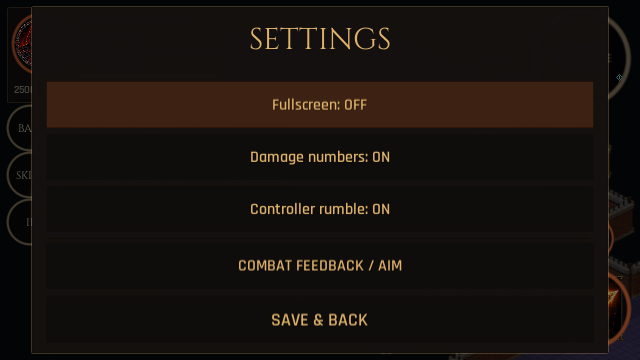
Settings / 640x360
Landscape mobile settings panel. This native image does not demonstrate browser Full Screen or removal of an address bar. Native screenshot: 640x360.
C8 native Windows · source e08d40deaed7
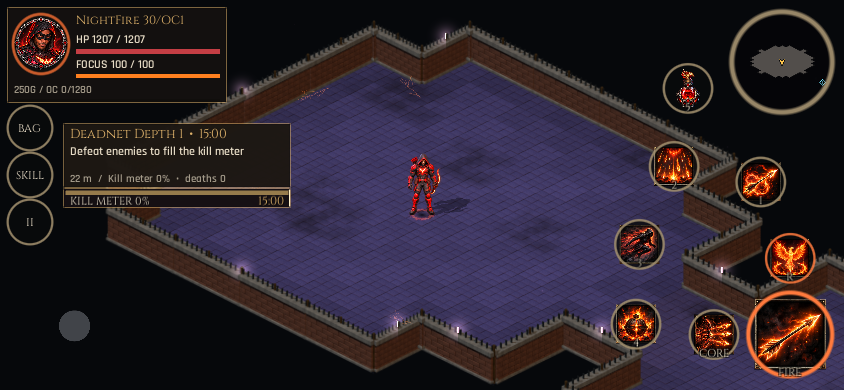
Landscape combat HUD / 844x390
Circular minimap, compact vitals and seven saved combat actions in the native touch layout. Native screenshot: 844x390.
C8 native Windows · source e08d40deaed7
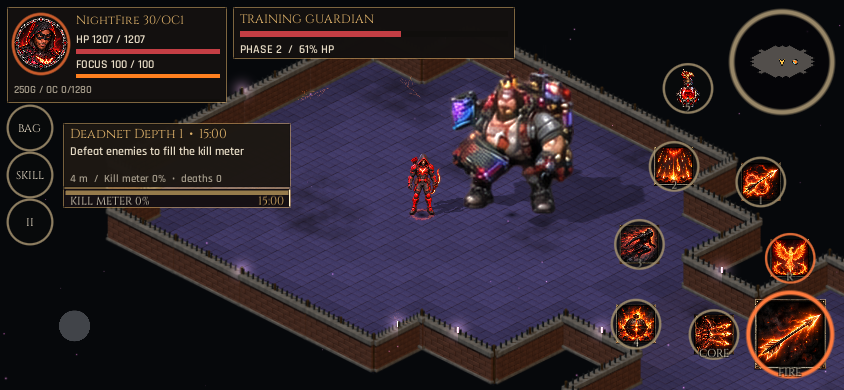
Target and combat visibility / 844x390
Player, selected target and combat controls in the native readability fixture. Native screenshot: 844x390.
C8 native Windows · source e08d40deaed7
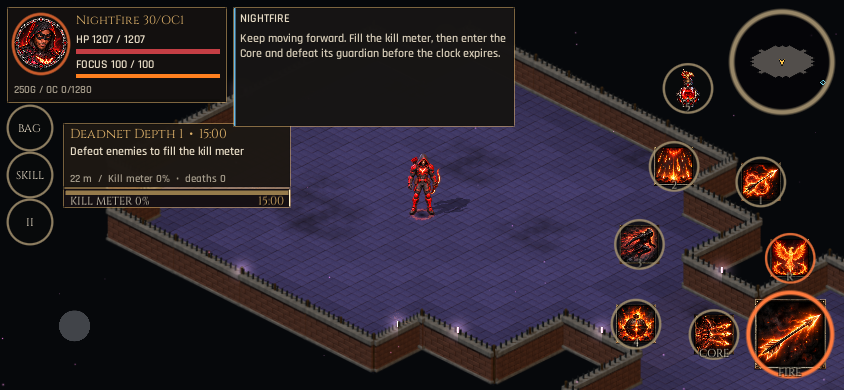
Communication during combat / 844x390
A short communication message is presented alongside the combat HUD. Native screenshot: 844x390.
C8 native Windows · source e08d40deaed7
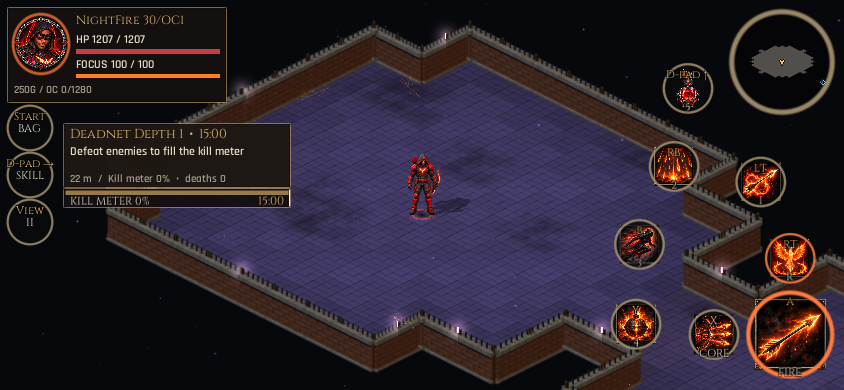
Controller and touch controls / 844x390
Mapped controller profile: the movement stick is hidden; all seven touch combat circles remain available with controller labels. Native screenshot: 844x390.
C8 native Windows · source e08d40deaed7
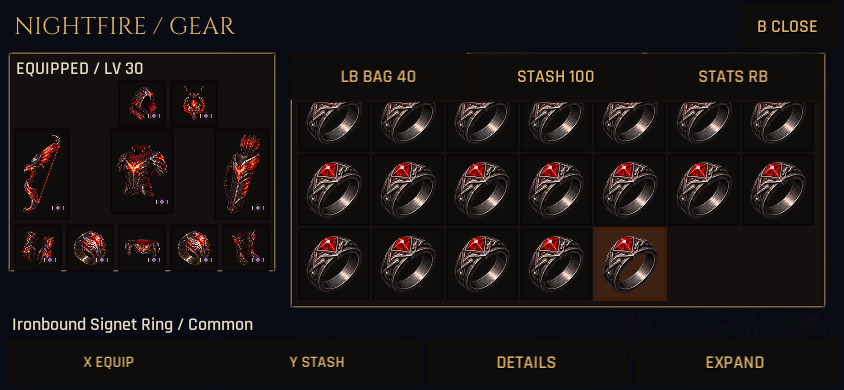
Inventory on mobile / 844x390
Native compact inventory with controller focus at this landscape resolution. Native screenshot: 844x390.
C8 native Windows · source e08d40deaed7
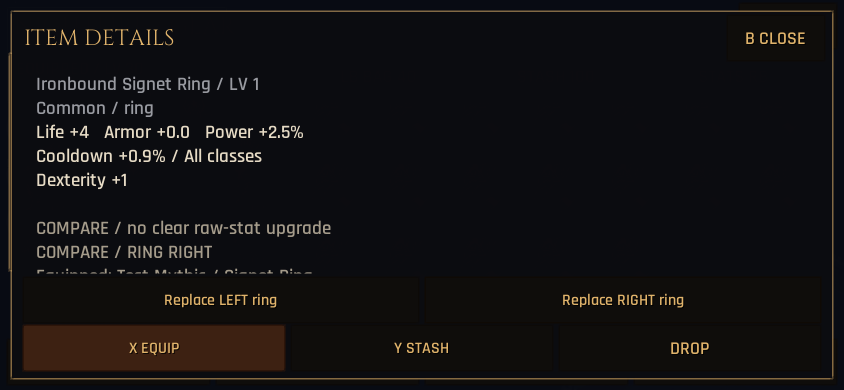
Equipment details / 844x390
Native equipment details and fixed menu actions at this landscape resolution. Native screenshot: 844x390.
C8 native Windows · source e08d40deaed7
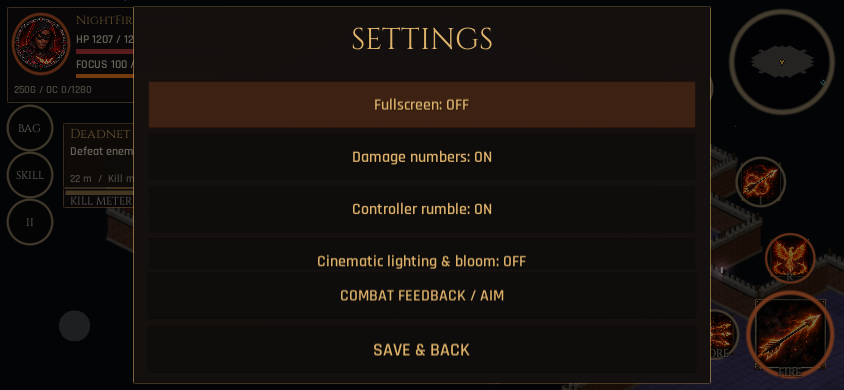
Settings / 844x390
Landscape mobile settings panel. This native image does not demonstrate browser Full Screen or removal of an address bar. Native screenshot: 844x390.
C8 native Windows · source e08d40deaed7
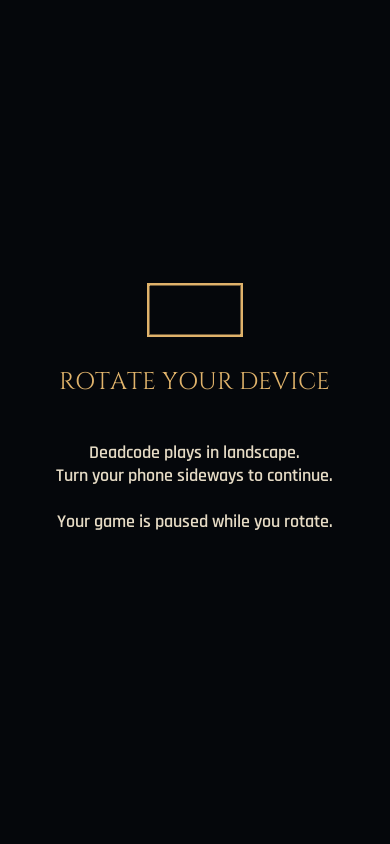
Rotate to continue
Mobile portrait blocks the already-open inventory and gameplay until rotation returns to landscape. This is an input guard, not portrait gameplay support.
C8 native Windows · source e08d40deaed7
Skills and controls / C6
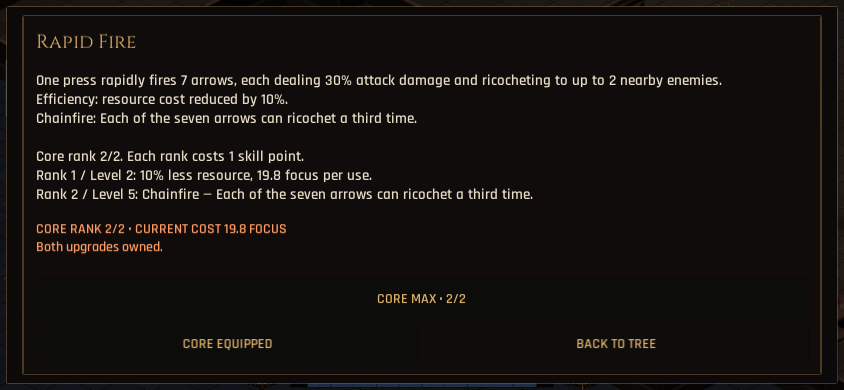
Core upgrade details / 844x390
Core effects, upgrade ranks and costs in the scrolling skill detail panel.
C6 native Windows · source 20b48131bf1d
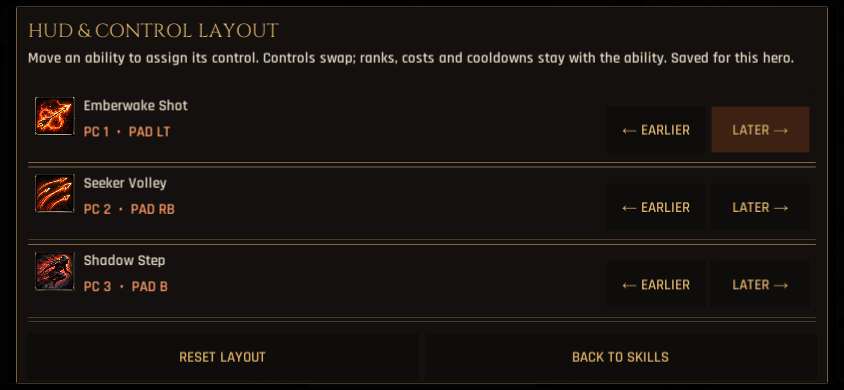
Saved skill assignments / 844x390
Skill and control assignment menu for the saved HUD order.
C6 native Windows · source 20b48131bf1d
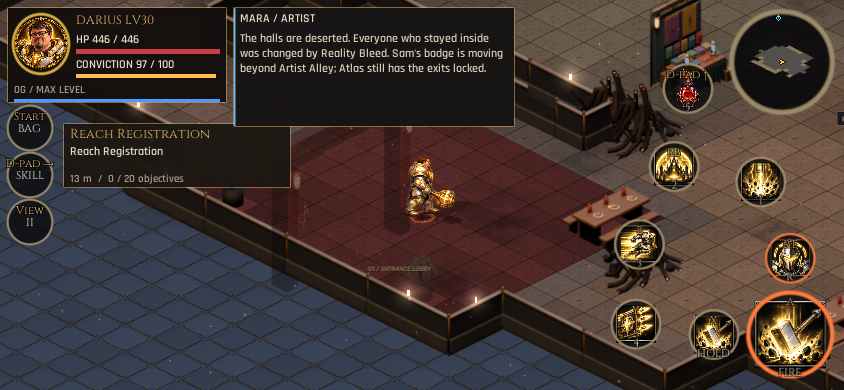
Darius / Core HOLD / 844x390
Native controller fixture showing the HOLD caption before the channel starts.
C6 native Windows · source 20b48131bf1d
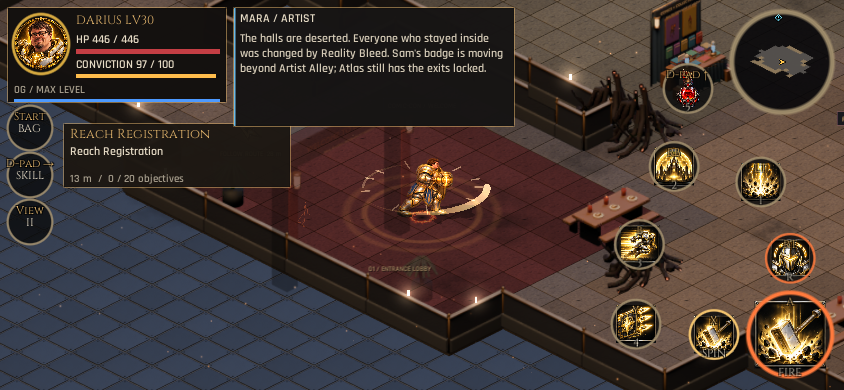
Darius / Core SPIN / 844x390
Native controller fixture showing SPIN while the held Cyclone channel is active.
C6 native Windows · source 20b48131bf1d